Hardware
The following materials are used for Installations. Further information about configuring many of these devices can be found in the Installation guides in these docs.
See NYCMesh's Networking Hardware and Installation Equipment docs for further details and information on the hardware and tools below.
Networking Hardware
Access Points
Indoor/Outdoor Installs
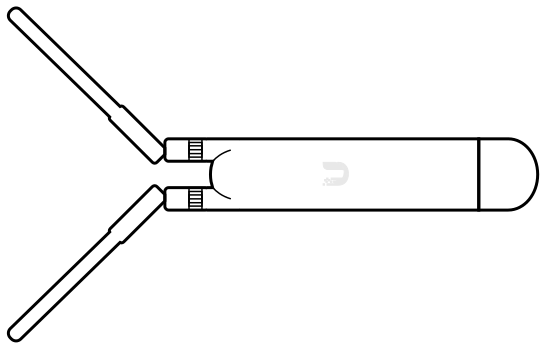
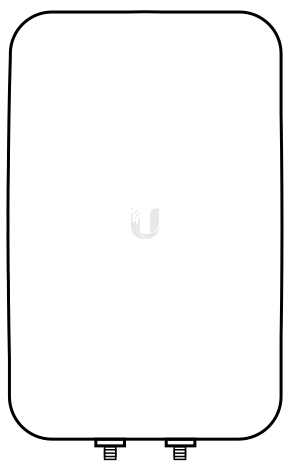
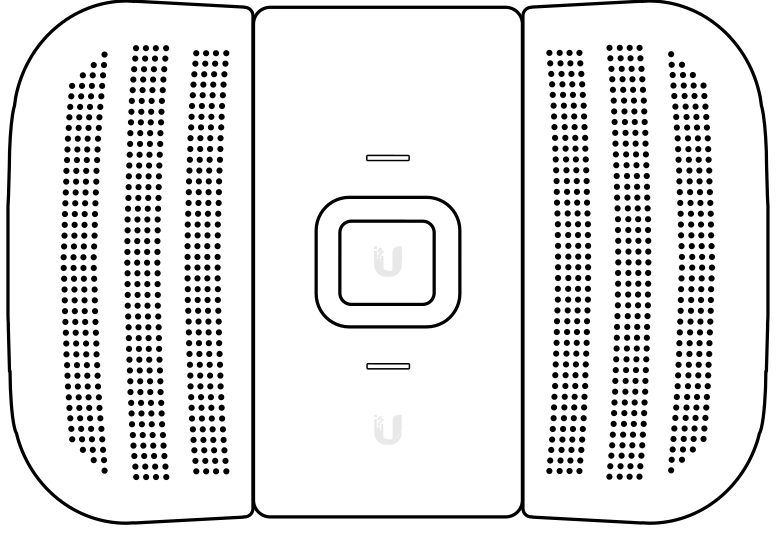
The UMA-D clips onto a UAP-AC-M in place of its antennas, to aim coverage in one direction instead of spreading it evenly.
- Ubiquiti UAP-Flex-HD
- Ubiquiti U6 Mesh
- Ubiquiti U6 Mesh Pro
- Ubiquiti U6 LR
- Ubiquiti UAP-AC-M-Pro
- Ubiquiti U7 Outdoor
- Ubiquiti Swiss Army Knife
Indoor Installs
Indoor access points come in three shapes. Which one you want is mostly a question of where it can be mounted at the site.
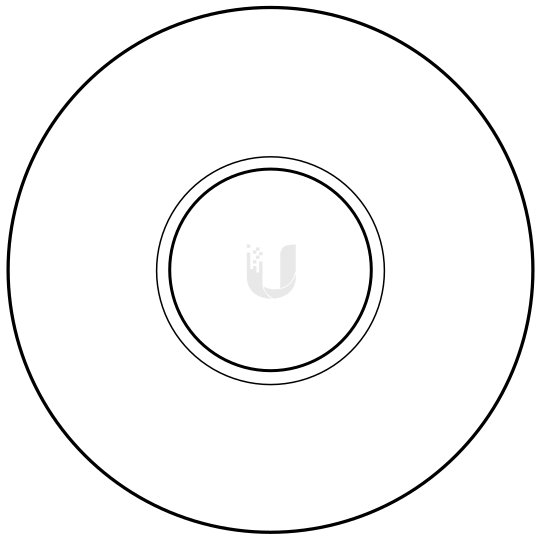
nanoHD, U6 Lite, U6+, U6 Pro, U7 Lite, U7 Pro
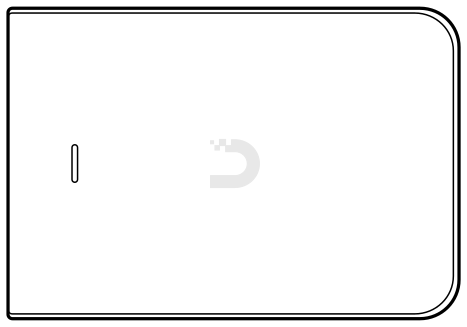
UAP-AC-IW, U7 In-Wall
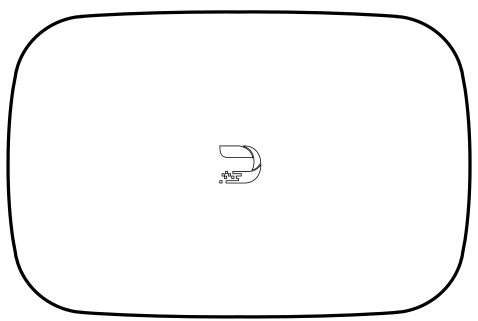
UAP-BeaconHD
- Ubiquiti UAP-nanoHD
- Ubiquiti UAP-AC-Inwall
- Ubiquiti U6 Extender
- Ubiquiti U6+
- Ubiquiti U6 Lite
- Ubiquiti U6 Pro - 'UFO AP'
- Ubiquiti U7 Lite
- Ubiquiti U7 Pro
- Ubiquiti U7 Pro Max
- Ubiquiti U7 In-Wall
- Ubiquiti U7 Long Range
- Ubiquiti UAP-BeaconHD
Switches
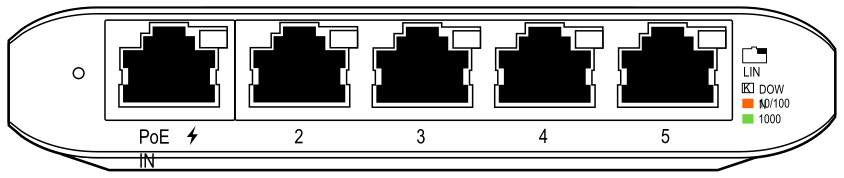
Routers
- Ubiquiti EdgeRouter X
- Ubiquiti EdgePoint R6 - see NYC Mesh's doc on this alternative to ER-X's.
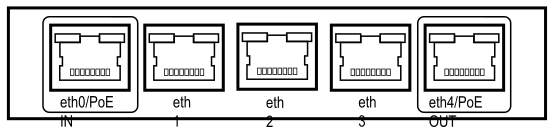
PtP and PtMP radios
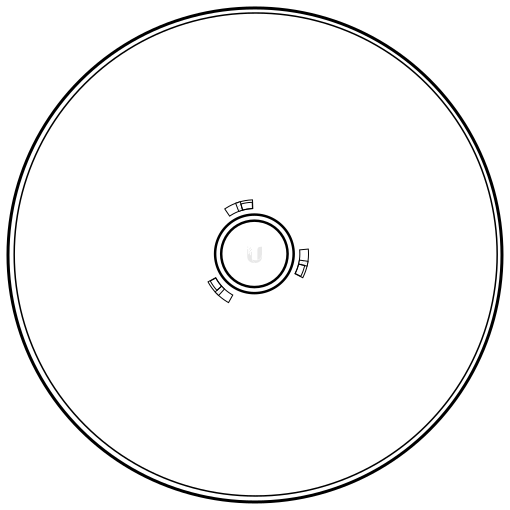
- airMAX LiteBeam AC 5 GHz Bridge
- airMAX PowerBeam 5ac 500
- airMax NanoBeam M5
- airMax NanoStation M5 loco
Mounts
- Universal J-Arm Mount
- Window Mount
- Non-penetrating Roof Mount
- Enclosure(s)
Accessories
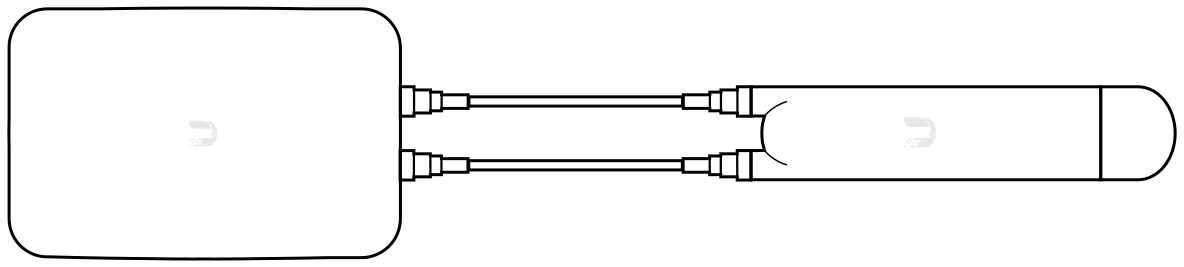
- Short-to-medium length Ethernet cable(s)
- Outdoor-rated power strip(s)
- Outdoor-rated extension cord(s)
- outdoor-rated power splitter(s)
- Extension cords
- PoE Injector/Splitter
- Ethernet to Ethernet adapter/coupler
- Pass-through Ethernet (RJ45) heads
- USB Type C to Ethernet adapter
Tools
Networking
- Ethernet cable crimper
- CAT5e cable stripper
- Ethernet cable tester
- Mobile hotspot
- Unifi WifiMan spectrum analyzer
Hardware tools
- Drill(s) - drill driver, hammer
- Impact driver
- Drill bit set
- Cobalt / titanium drill bit (1/4")
- Carbide-tip masonry drill bit (5/32")
- Hex socket drill bits (3/8" for hose clamps and 1/4" for masonry screws)
- Mortar and Wood drill bits
- Hammer
- Scissors
- Snips
- Needlenose pliers
- Screwdrivers - Phillips, Flathead, Torx
- Socket wrenches
- Tape measure
- Laser ruler
- Fishtape/push rod
- Files - triangular, flat, round
- Adjustable crescent wrench (6")
- Extra bag for carrying/lifting equipment
- Rope
- Utility knife
- Allen wrenches
- Wire stripper
Consumables
- Concrete nails
- Concrete screws (3/16" hex head CSH316134)
- Screws
- Nails
- Cable fastener clips
- Hose clamps
- Zipties
- Electrical tape
- Velcro strips
- Velcro cable ties
- PCW stickers
- Rubberized waterproof sealant
- Superglue
PPE
- Safety glasses
- Work gloves
- KN95 masks
- First aid Kit